
Documentation

Use MOG with confidence, from first launch to follow-through.

A practical guide to setup, live assistance, notes, privacy, integrations, and the controls that keep you in charge of every meeting.

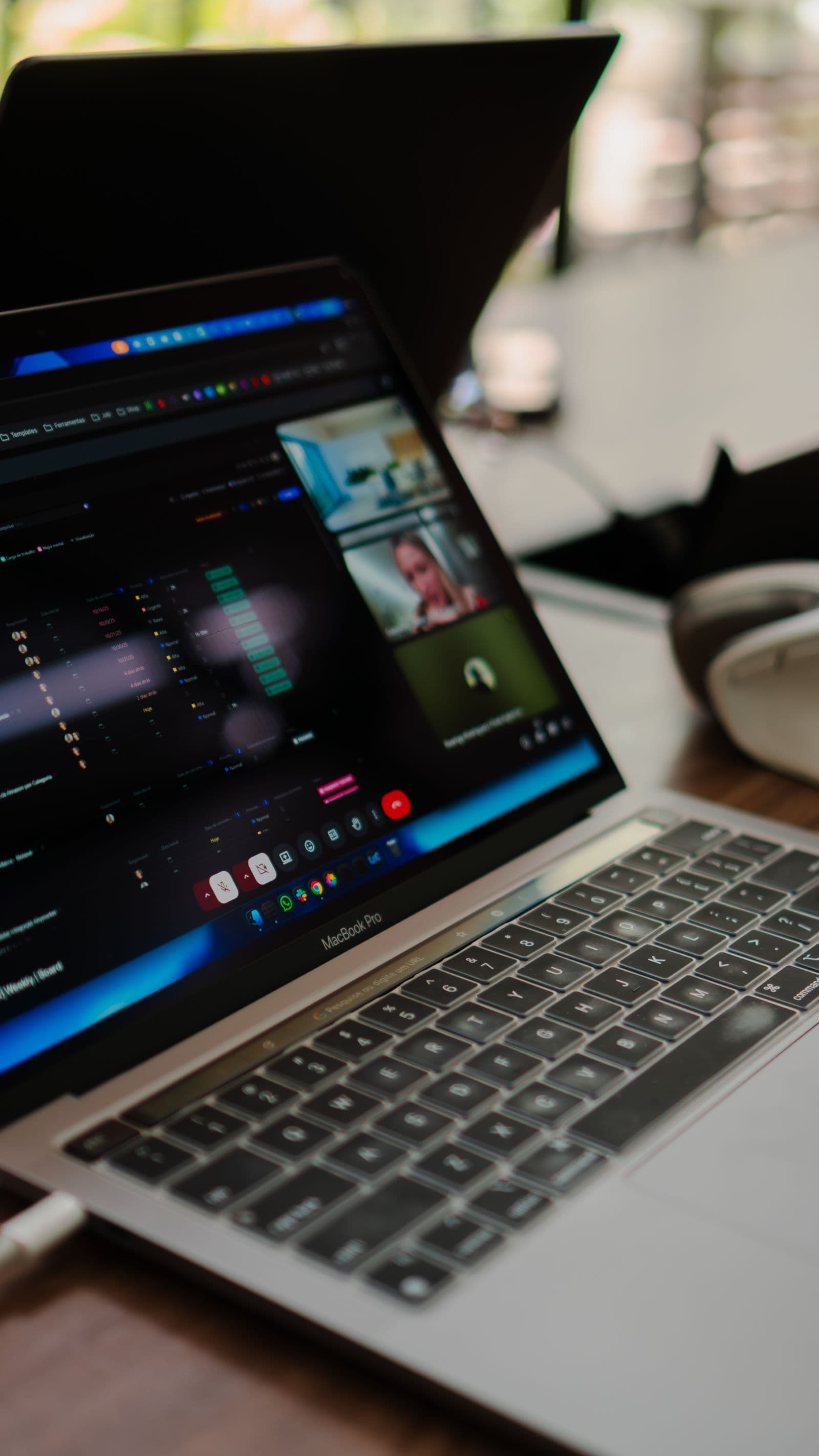
People collaborating during a focused meeting
Invisible interview assistanceOnly you can see this

Following the conversation

The interviewer sees you. The answer stays visible only to you.
Live context Private to you Notes afterward

01

Install and get ready

The desktop app guides you through installation, sign-in, microphone access, and the permissions MOG needs to support a call. Before your first meeting, test the input source and choose where meeting history should be stored.

02

Start a meeting session

Open MOG before joining the call, confirm the listening indicator, and add any context that would make assistance more relevant. This might include an agenda, a customer brief, interview criteria, or notes from the previous conversation.

03

Ask for help in real time

Use MOG when you need a fact recalled, a concept explained, an objection structured, or a question drafted. Good prompts tell the assistant what outcome you need and what constraints matter; short requests are often enough because MOG already has the active conversation as context.

04

Review notes, decisions, and actions

After the meeting, move through the summary, transcript, and suggested actions as connected views of the same conversation. Correct names, confirm decisions, assign missing owners, and remove anything that should not remain in the final record.

05

Find and export past work

Meeting history is intended to make previous context useful when the next conversation begins. Search by meeting, participant, phrase, or topic, then export the material you have reviewed into the tools used by your team.

06

Privacy and meeting controls

The product will show when it is listening and provide direct controls for capture, storage, and deletion. MOG is not a substitute for consent: users must understand and follow organizational policies and local laws before recording or transcribing another person.

07

Troubleshooting a live session

If MOG cannot hear the call, first verify the selected input, operating-system permissions, and whether another application has exclusive control of the device. If answers are delayed, check connectivity and reduce unnecessary context before restarting the session.

Bring MOG to your next meeting