
Before your next interview, get MOG ready
The best time to understand your interview setup is before the panel joins. A five-part check makes the live experience predictable.

Check the environment you will actually use
Open the same meeting app, browser, editor, and display arrangement you plan to use during the interview. Confirm that MOG can hear the call and that its status changes when you pause and resume listening.
If you will share an application window, practice sharing that exact window. If you will share an entire display, verify what appears there before the real call begins.
Bring context that helps without narrowing your thinking
Your role description, portfolio notes, and a short list of projects can help MOG understand the language likely to appear in the interview. Keep that context factual and current.
Avoid loading a rigid script. Interviews change direction, and the most useful assistant is one that can follow the live question rather than force every answer into a prepared paragraph.
Prepare the environment. Keep the conversation flexible.
Run one realistic practice question
Ask someone to give you an unexpected follow-up, or play a recorded prompt. Watch how MOG identifies the question and how quickly you can turn the response into your own words.
Finish by checking the session record and removing anything you do not want to keep. Then close the practice call knowing exactly how the live workflow behaves.
More from the MOG journal
Getting started
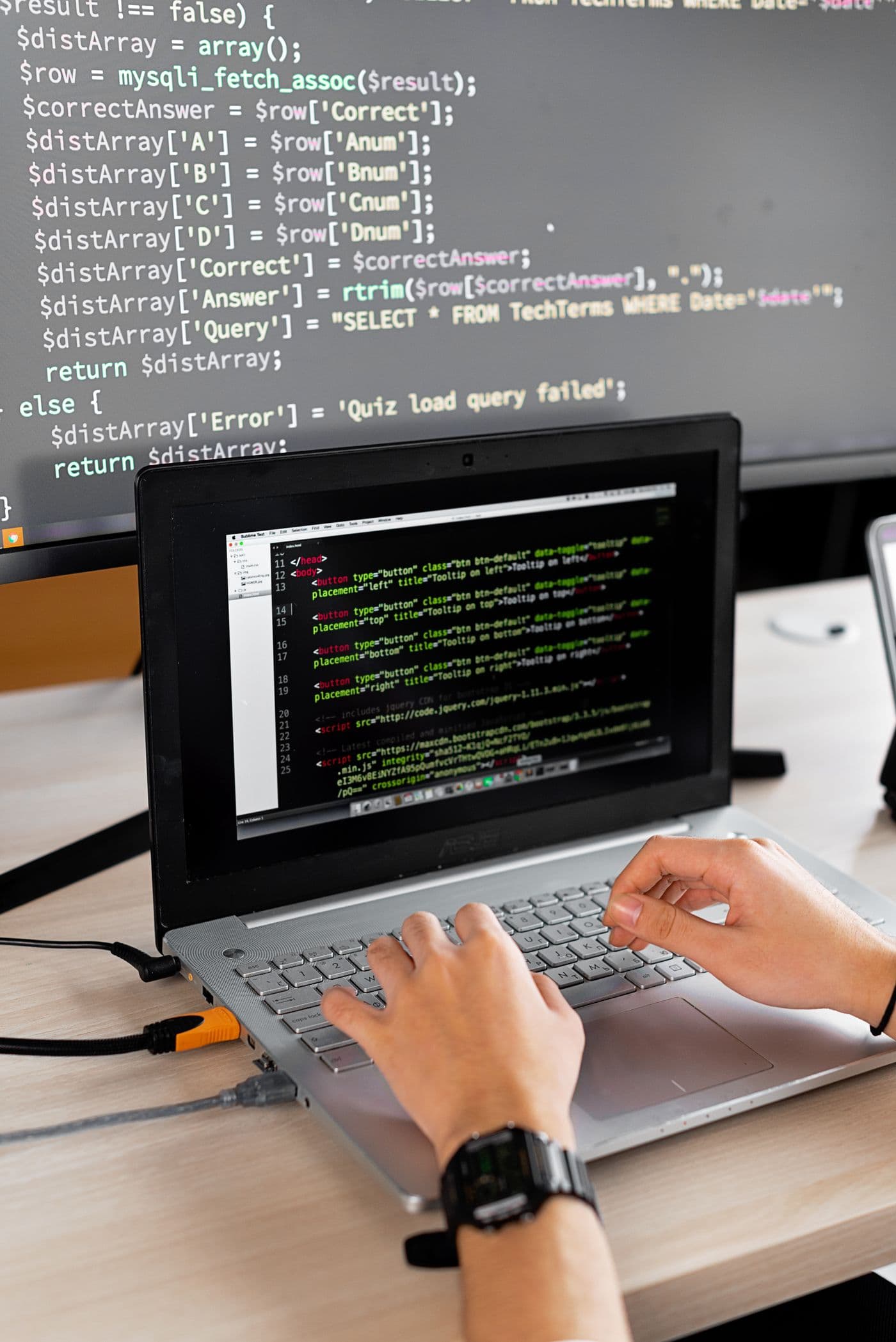
Rehearse the screen you plan to share
A practical walkthrough for your editor, meeting window, and private assistance before the call starts.
Read article
Privacy and control
You decide when MOG listens
The controls that make private interview assistance understandable before, during, and after a call.
Read article
After the interview
Turn a difficult interview into useful practice
Review the questions, identify one gap, and build a focused practice session from what happened.
Read article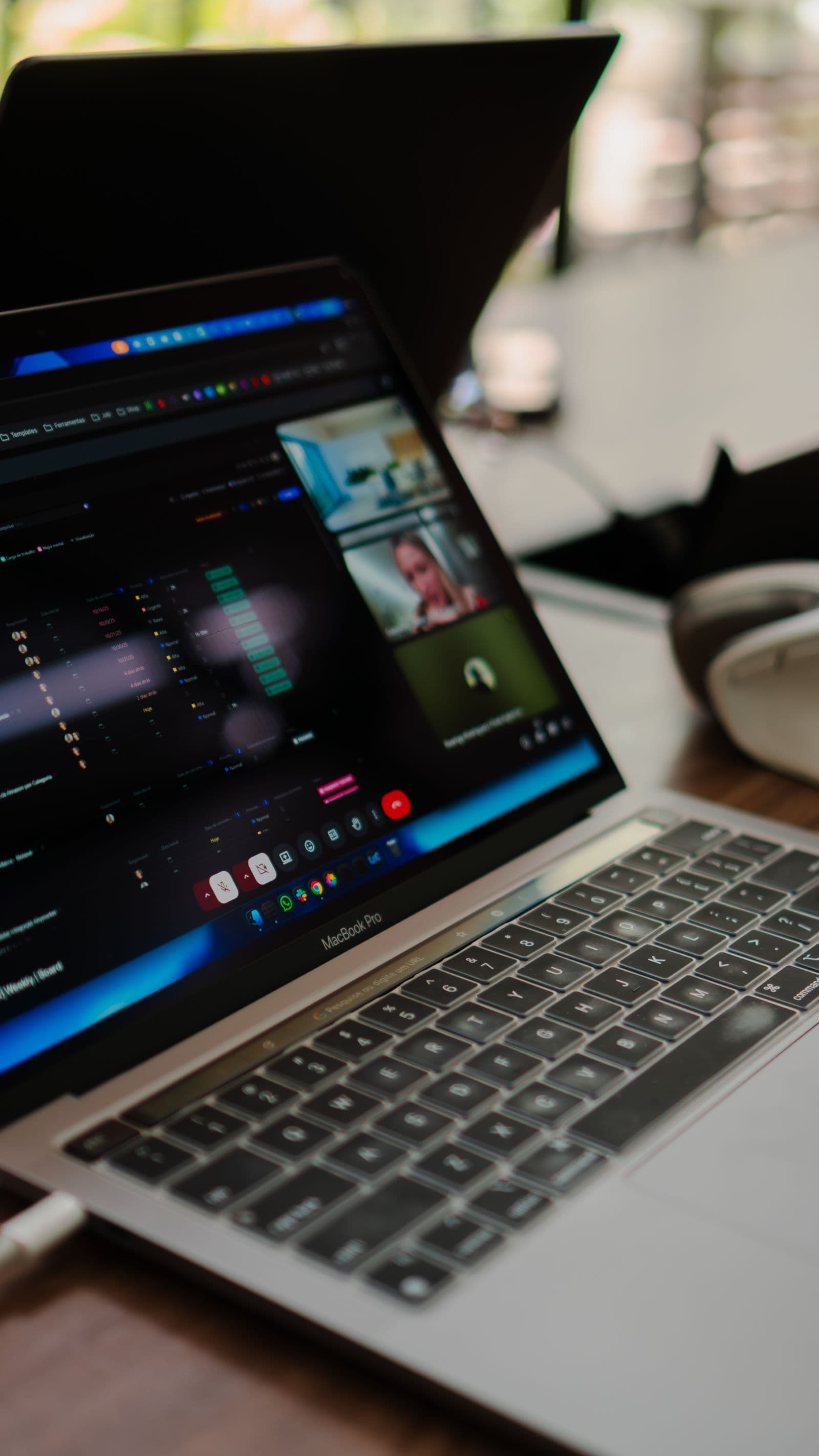
Inside MOG
The interviewer sees you, not MOG
How MOG keeps real-time interview assistance outside the screen you share.
Read article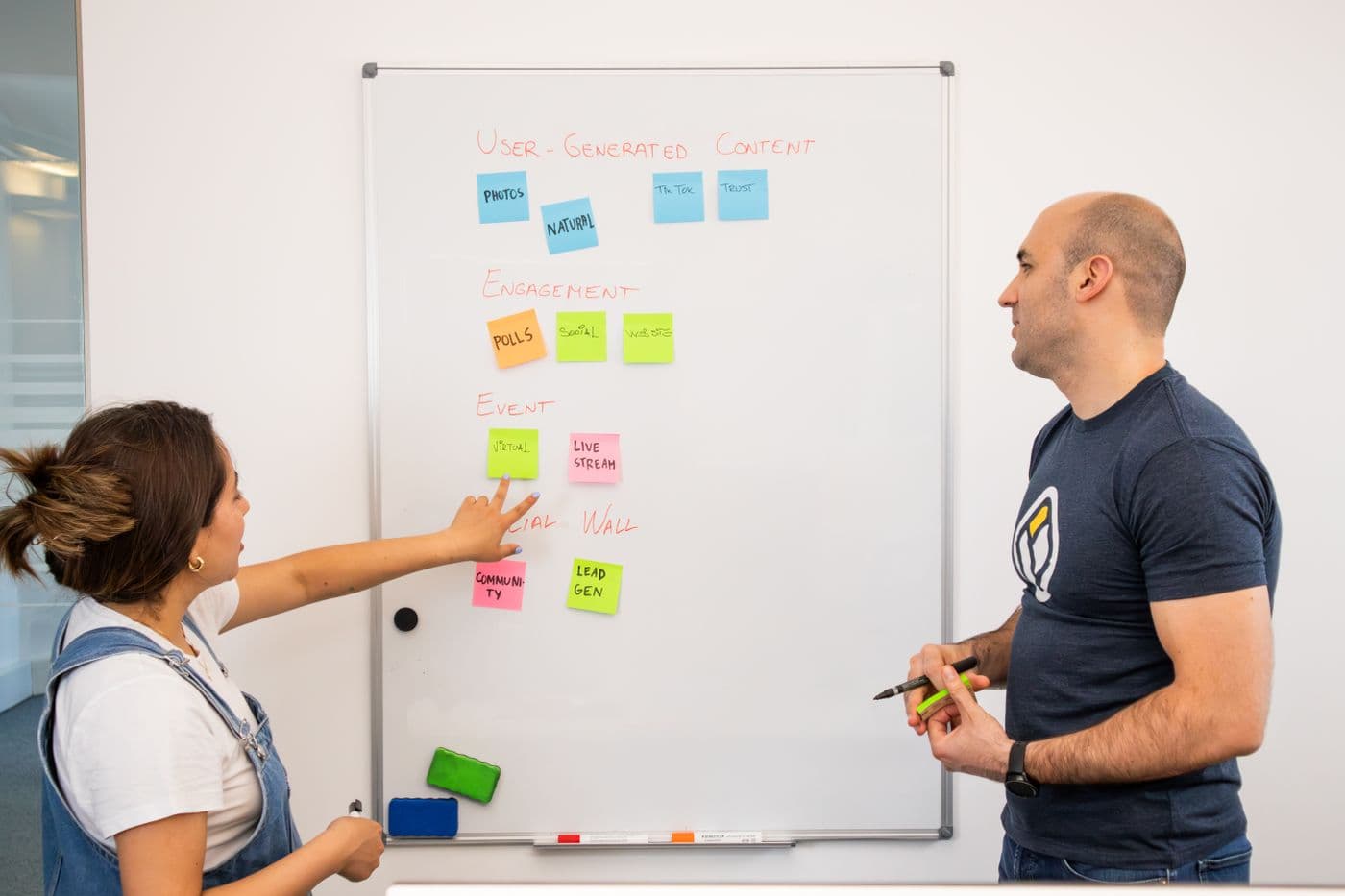
Interview strategy
Tell the project story only you can tell
Explain your contribution with a decision, evidence, and an honest account of the outcome.
Read article
Interview strategy
When the question takes an unexpected turn
A practical way to recover context, structure your thinking, and answer before the moment passes.
Read article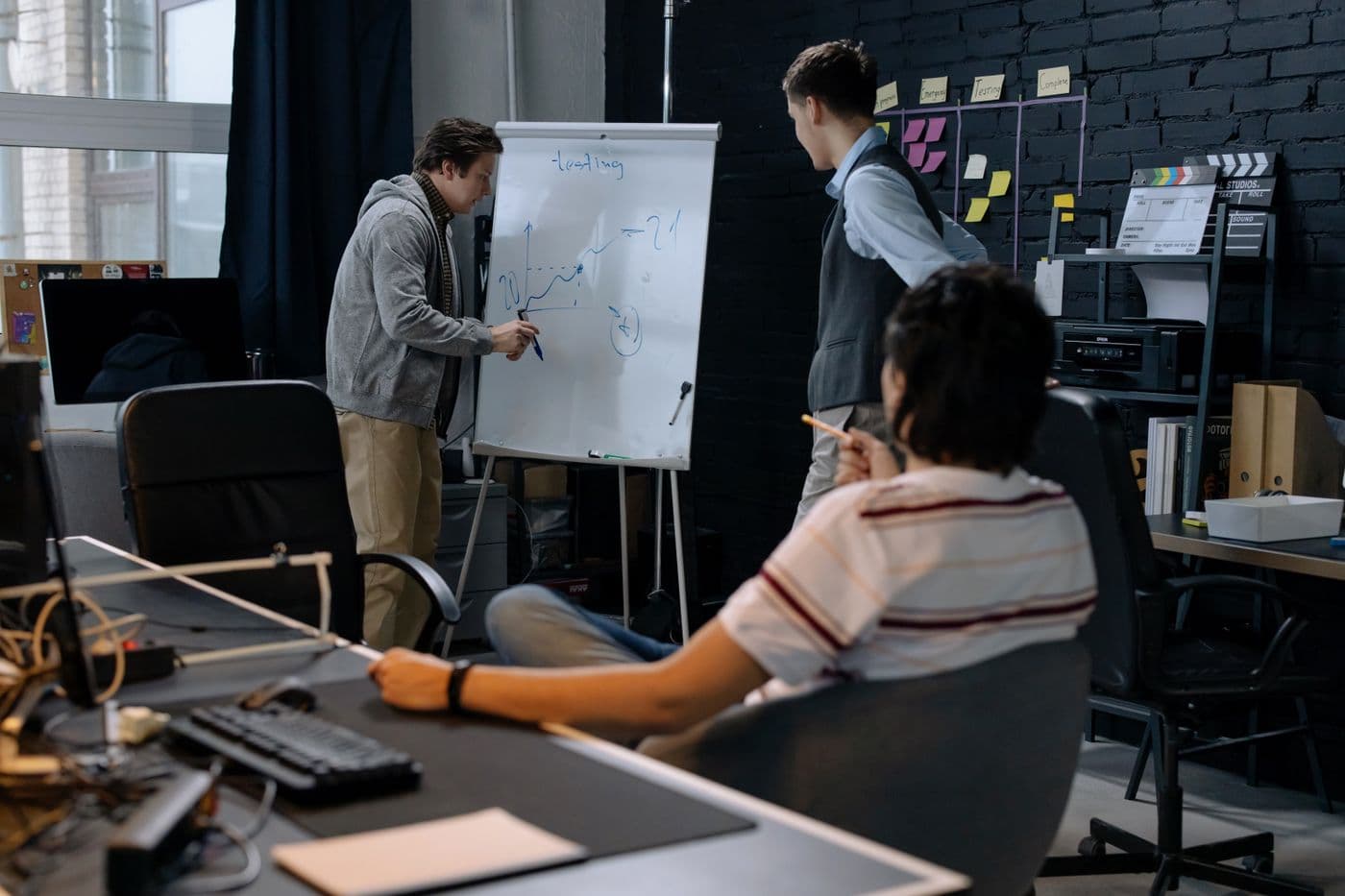
Technical interviews
Give your system design answer a backbone
Turn an open-ended architecture prompt into requirements, a first design, and explicit trade-offs.
Read article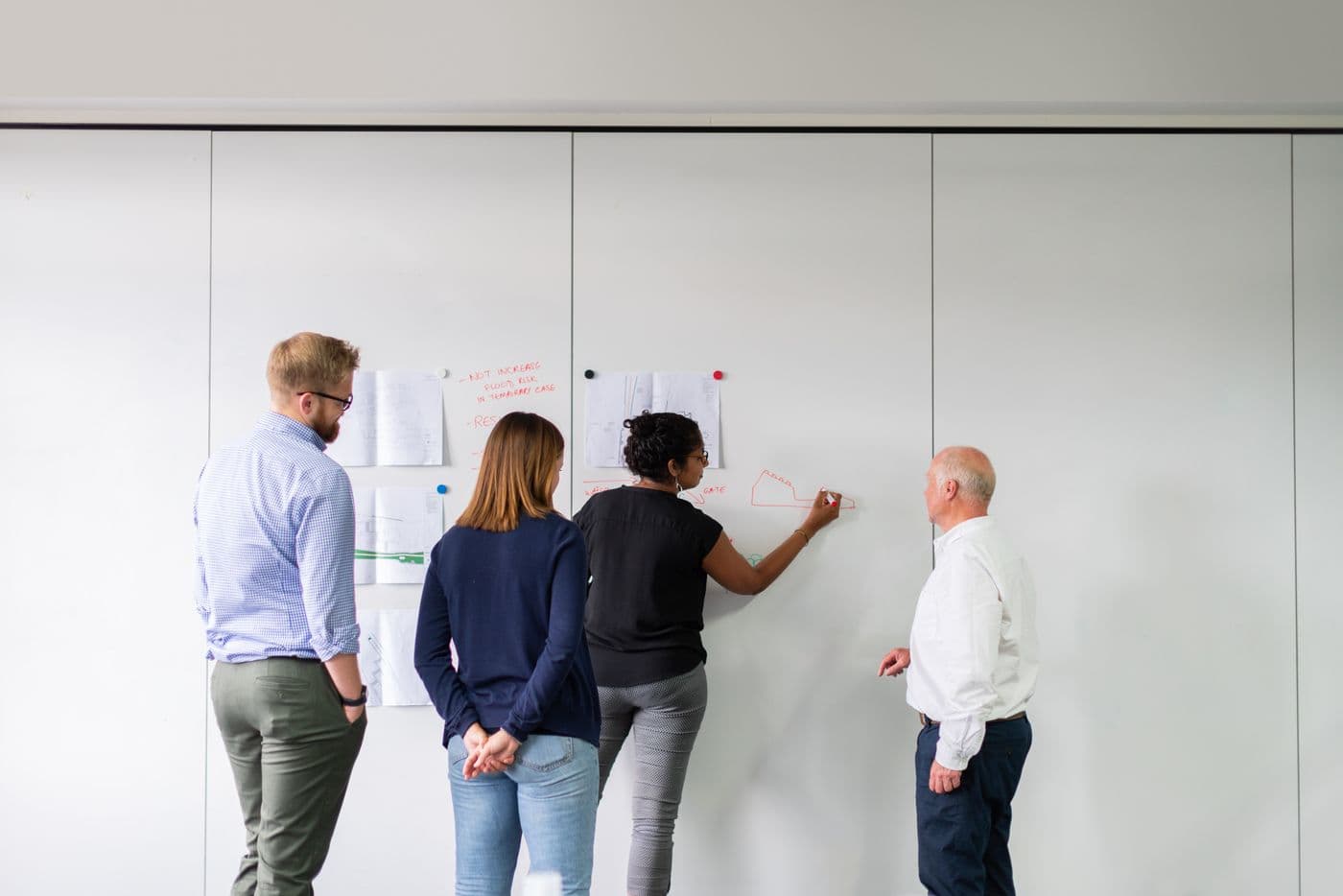
Panel interviews
Keep the thread when the whole panel joins in
Handle changing speakers and layered follow-ups without losing the question you are answering.
Read article
Technical interviews
Debug out loud without guessing wildly
Make your reasoning visible through observations, hypotheses, and a small next experiment.
Read article