
The interviewer sees you, not MOG
MOG gives you a private layer for live answers and context. It stays visible to you while the interview panel sees the screen you intended to present.
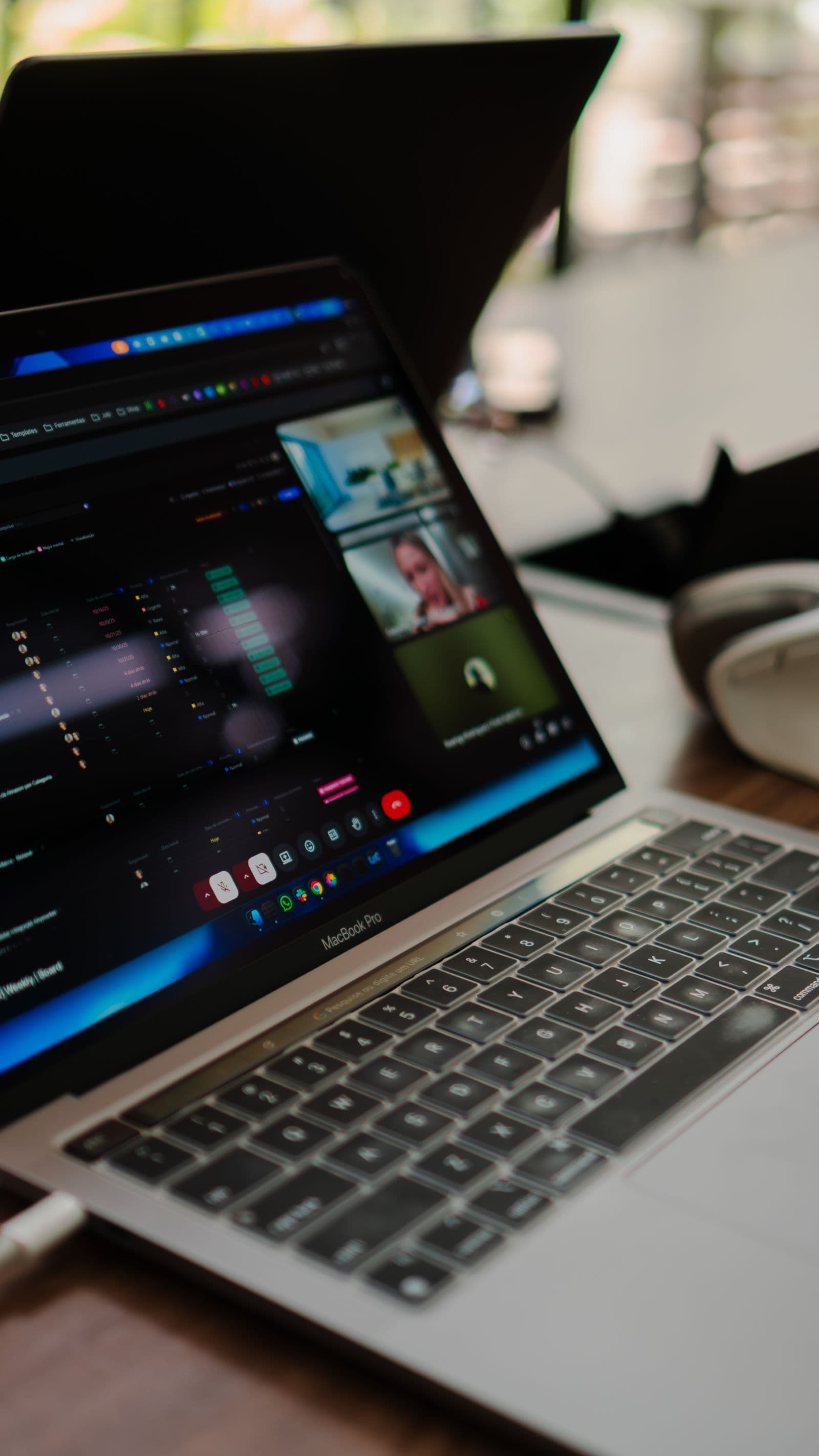
Your shared screen and your private view are different spaces
A screen share should show the work you chose to present, not every tool helping you prepare it. MOG is designed around that distinction. Its assistance layer remains outside the captured presentation while staying available on your display.
That means an interviewer can see your editor, slides, browser, or portfolio while you can still read the question MOG detected and the response it prepared.
Visible to you. Undetectable in the screen you share.
const response = await prepareAnswer(question);if (context.isRelevant) explainTradeoff();return conciseResponse;Start with failure handling, add an observable rollback path, then release behind a flag.
MOG follows the person asking the question
Panel interviews move quickly. A follow-up can arrive before you have finished organizing the previous answer. MOG tracks the active speaker and uses the live conversation to understand what the new question refers to.
The response is kept concise so you can scan it, exercise your judgment, and speak naturally. The goal is to help you stay composed in the room rather than turn the interview into a script-reading exercise.
Privacy still needs clear controls
Invisible on a screen share does not mean invisible to you. MOG should always show when it is listening, let you pause immediately, and make retention choices understandable.
Before an important call, verify the exact capture behavior with the meeting platform and operating-system setup you plan to use. That short practice run removes surprises when the real interview begins.
More from the MOG journal

Privacy and control
You decide when MOG listens
The controls that make private interview assistance understandable before, during, and after a call.
Read article
Panel interviews
Keep the thread when the whole panel joins in
Handle changing speakers and layered follow-ups without losing the question you are answering.
Read article
Getting started
Rehearse the screen you plan to share
A practical walkthrough for your editor, meeting window, and private assistance before the call starts.
Read article
Interview strategy
When the question takes an unexpected turn
A practical way to recover context, structure your thinking, and answer before the moment passes.
Read article
Getting started
Before your next interview, get MOG ready
A calm preparation routine for audio, screen sharing, context, and a short practice question.
Read article
Technical interviews
Give your system design answer a backbone
Turn an open-ended architecture prompt into requirements, a first design, and explicit trade-offs.
Read article
Interview strategy
Tell the project story only you can tell
Explain your contribution with a decision, evidence, and an honest account of the outcome.
Read article
Technical interviews
Debug out loud without guessing wildly
Make your reasoning visible through observations, hypotheses, and a small next experiment.
Read article
After the interview
Turn a difficult interview into useful practice
Review the questions, identify one gap, and build a focused practice session from what happened.
Read article